
Introduction
Interactive polling software can be incredibly useful to boost learners’ feeling of agency and control over their learning, as well as injecting a bit of fun.
In this article, we will explore some of the ways in which you can use Poll Everywhere to boost engagement in your classroom.
We will cover the following activities:
- Ice breakers
- Trivia Competitions
- Polls
For guidance on how to set up activities on Poll Everywhere, you can consult their Instructor Guide.
Ice breaker
In a post-lockdown world, most of us will have come across an ice breaker activity, or 100.
They constitute a fun way to get familiar with the tools, as well as getting to know each other. Depending on the subject you are teaching, you might want to tailor the ice breaker question to be subject-specific; this will allow you to gauge your audience’s knowledge and experience, and it will feel more relevant to the students.
A world cloud activity is one of the best instruments to use to implement an ice breaker.
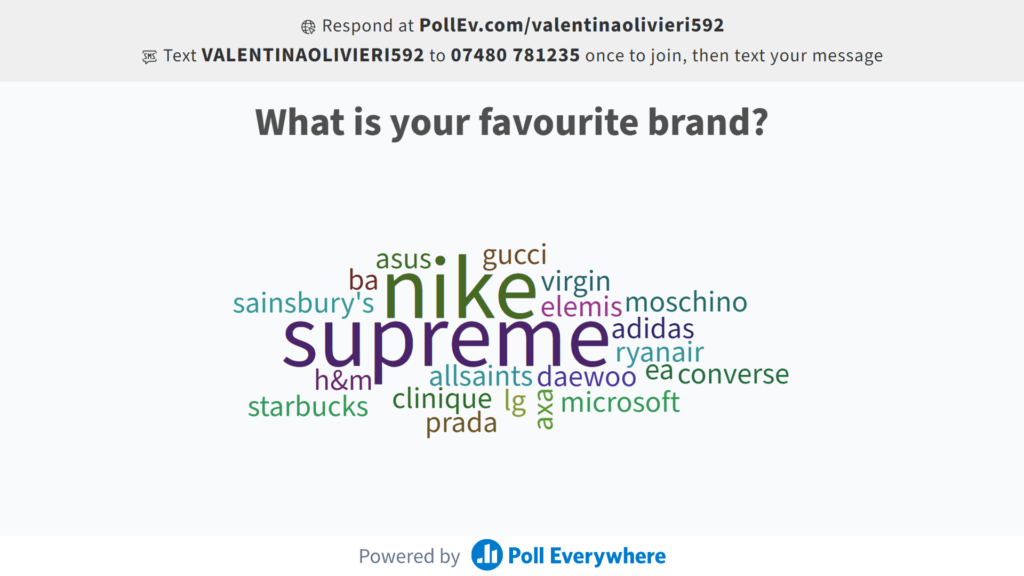
Tips:
- If your ice breaker is subject-specific, make sure it is a question that everyone can respond to and that relates in some measure to their lives – this will also help them see the link between the subject and their lived experience
- Set clear rules and let the students know what they are. For example, students can submit only one response each. (You will be able to limit the number of responses available when setting up the activity, but knowing this restriction beforehand will prompt them to better reflect on their choice)
Trivia Competition
Another fun and interesting activity to kick-start a class is a game of trivia; you can make it subject-specific to keep your students focused and you might even think of a “prize” for the winning individual or team.
To implement this activity, you can use the competition tool in Poll Everywhere.

To make sure this does not take too much time in your lesson, you might want to spread this activity across one or more lessons.
While the students will only see the questions and options, you will be able to display the leaderboard and the number of correct and incorrect answers.
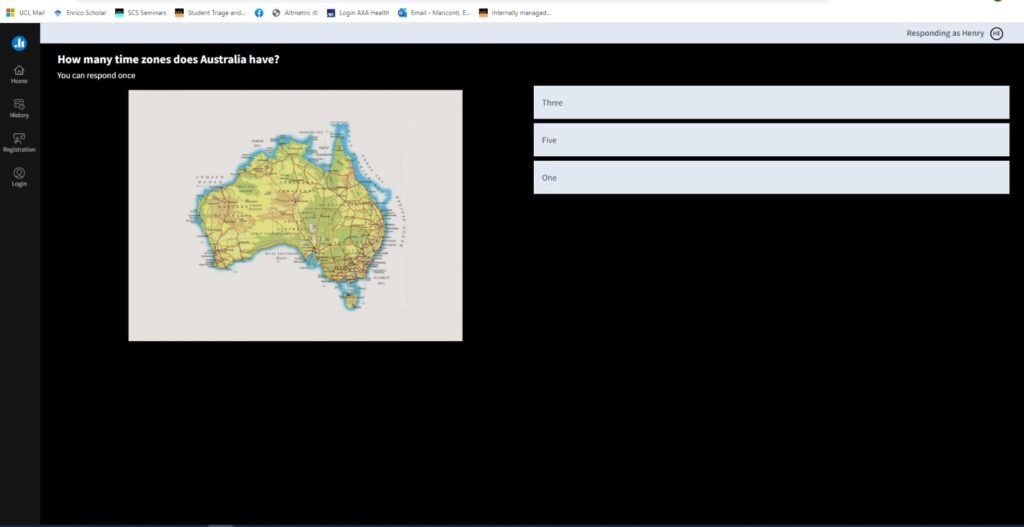
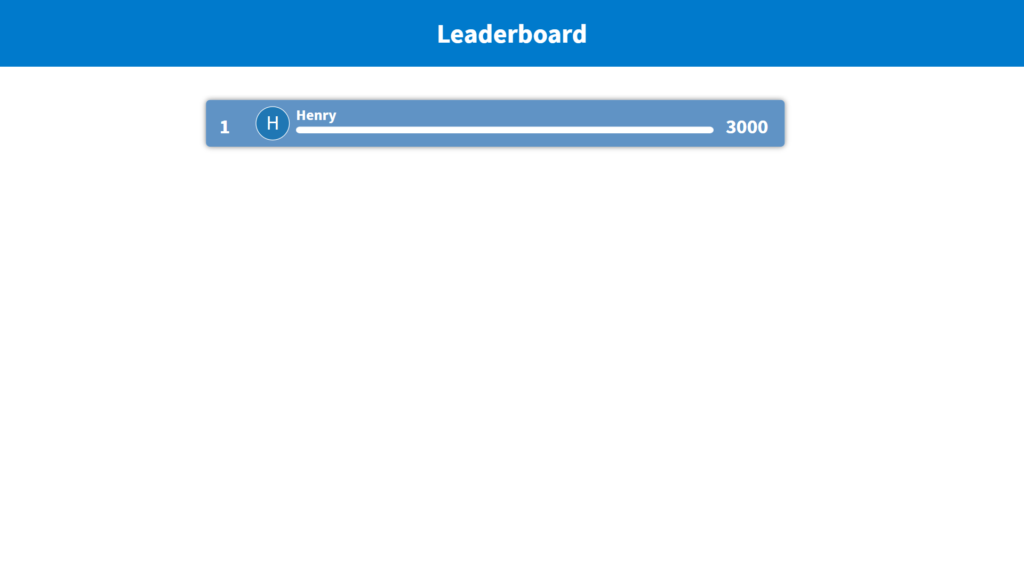
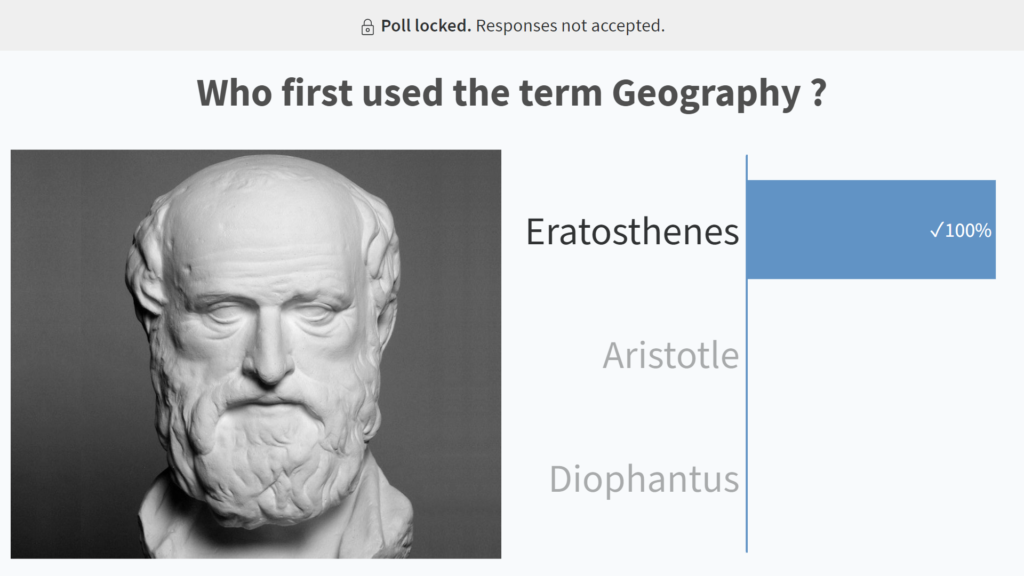
Tips:
- Mix easy and more difficult questions
- Adding images makes it more interesting and appealing
- Use gamification elements to engage your students. You can find an interesting gamification framework here.
Poll
A classic poll is a very good way to gauge interest, knowledge and experience.
You might want to use the poll activity for various reasons. For example:
- You want to gauge the level of knowledge that your students have of a specific area of the curriculum. In this case, one or more poll questions requiring students to rate their knowledge level in an anonymous way could help you determine how better to approach the subject.

- You want to offer students some clinic sessions and you want to understand what topics these should focus on.
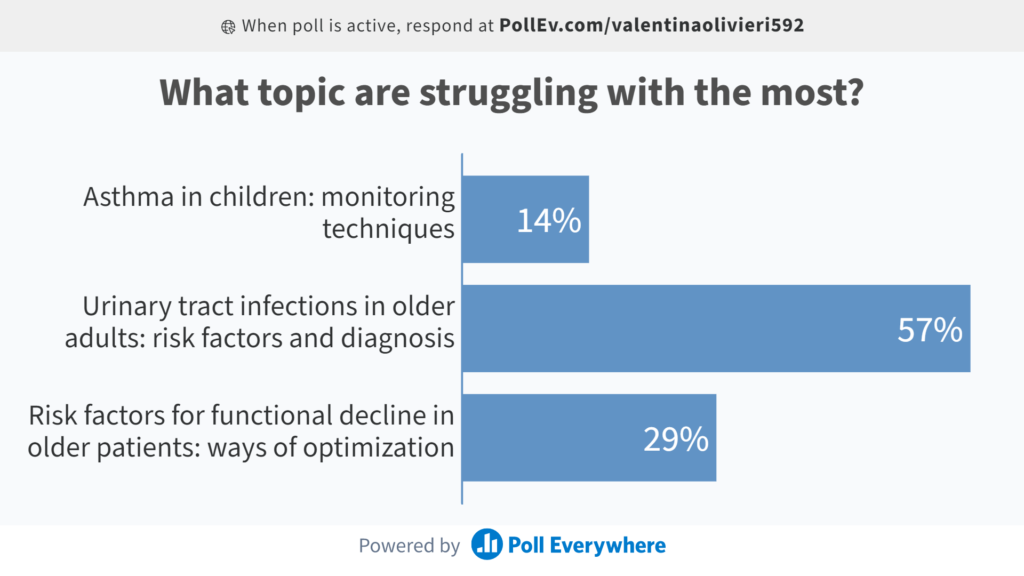
- You want to create a quick and fun ice breaker as an alternative to the word cloud.

Best practices
Some best practices apply to all the activities mentioned above and will help you boost engagement in your class.
- Set clear expectations.
- How much time is this meant to take?
- Are there specific requirements for participation?
- How will this impact their overall score?
- Students seeing value. How do we do it?
- Subject-based activities – make it clear which skills they will learn and how this will help them in achieving good results in their course.
- Try to use a mix of text and images. This will make your activity more visually appealing and catch the students’ curiosity.
- Try to use interactive activities to boost your students’ sense of agency. The more they feel “invested” in their learning, the more engaged they are likely to be. An interesting parallel can be drawn with the gamification driver of Ownership.
